Download the working asset
Use the transparent overlay PNG if you need a guide that drops into an editor immediately.
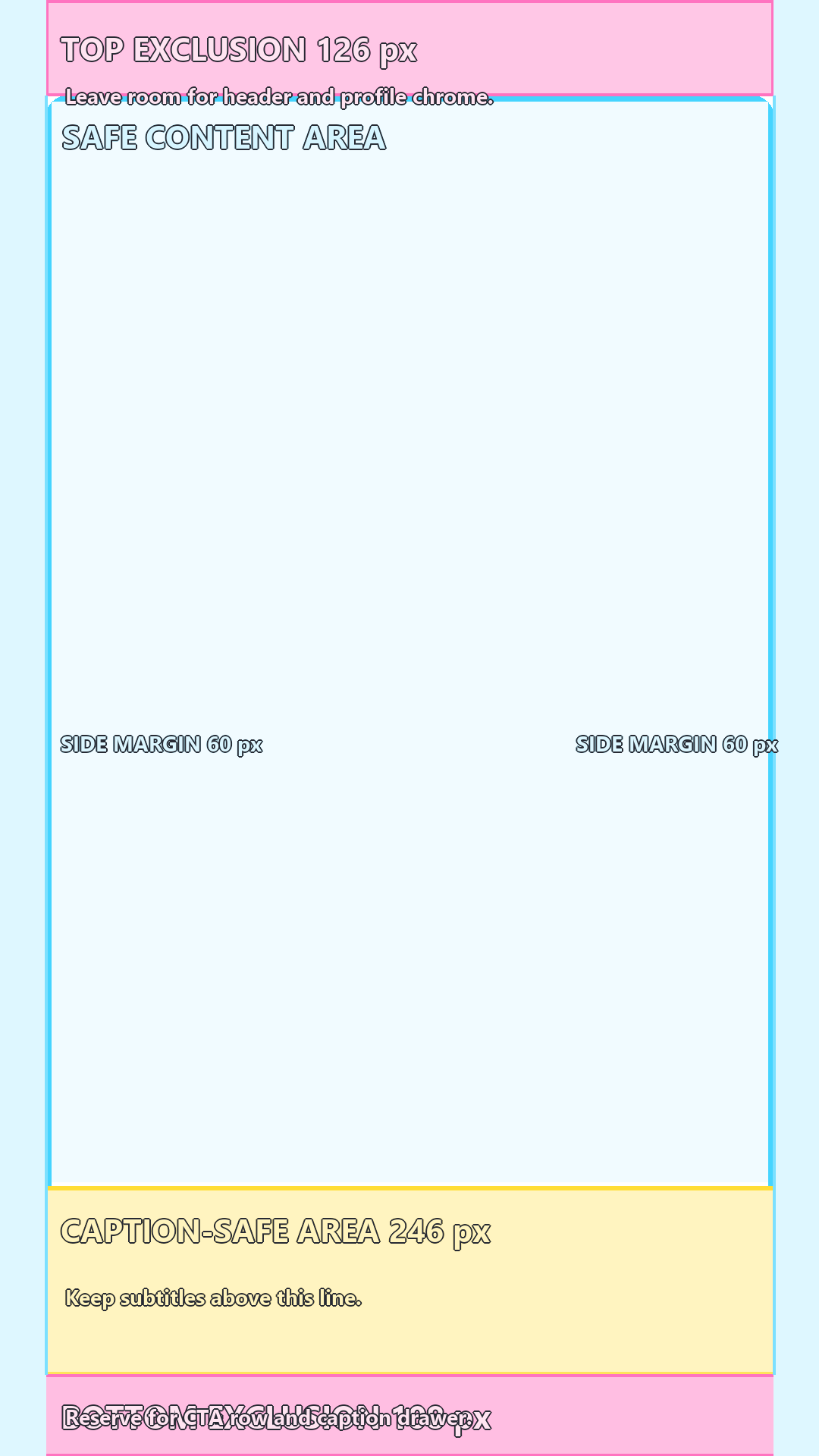
The overlay is built for a 1080 x 1920 frame and works best when you test it against the busiest shot in the edit.
Download notes
Most teams do not need a fancy download page. They need the right file size, obvious layer names, and one still frame that proves the overlay works.
Use the transparent overlay PNG if you need a guide that drops into an editor immediately.
The overlay is built for a 1080 x 1920 frame and works best when you test it against the busiest shot in the edit.
| Item | Recommendation |
|---|---|
| Canvas size | 1080 x 1920 PNG or PSD overlay |
| Overlay labels | top-exclusion, caption-safe, bottom-exclusion |
| Revision habit | Append v2 only when a band actually changes |
| Review asset | One still from the busiest scene plus one clean talking-head scene |
Keep the overlay as a guide only. Remove it before the final export.
| Tool | Recommended move |
|---|---|
| CapCut | Add the PNG as an overlay layer and lock it while you place subtitles. |
| Premiere Pro | Drop the PNG on a guide track above the sequence and toggle visibility before export. |
| Canva | Place the PNG over the page, lower opacity if needed, then remove it before download. |
| Figma | Use the PNG on top of the frame when a stakeholder needs a fast review mockup. |