Download the overlay
Built for a 1080 x 1920 frame and meant to stay out of the final export.
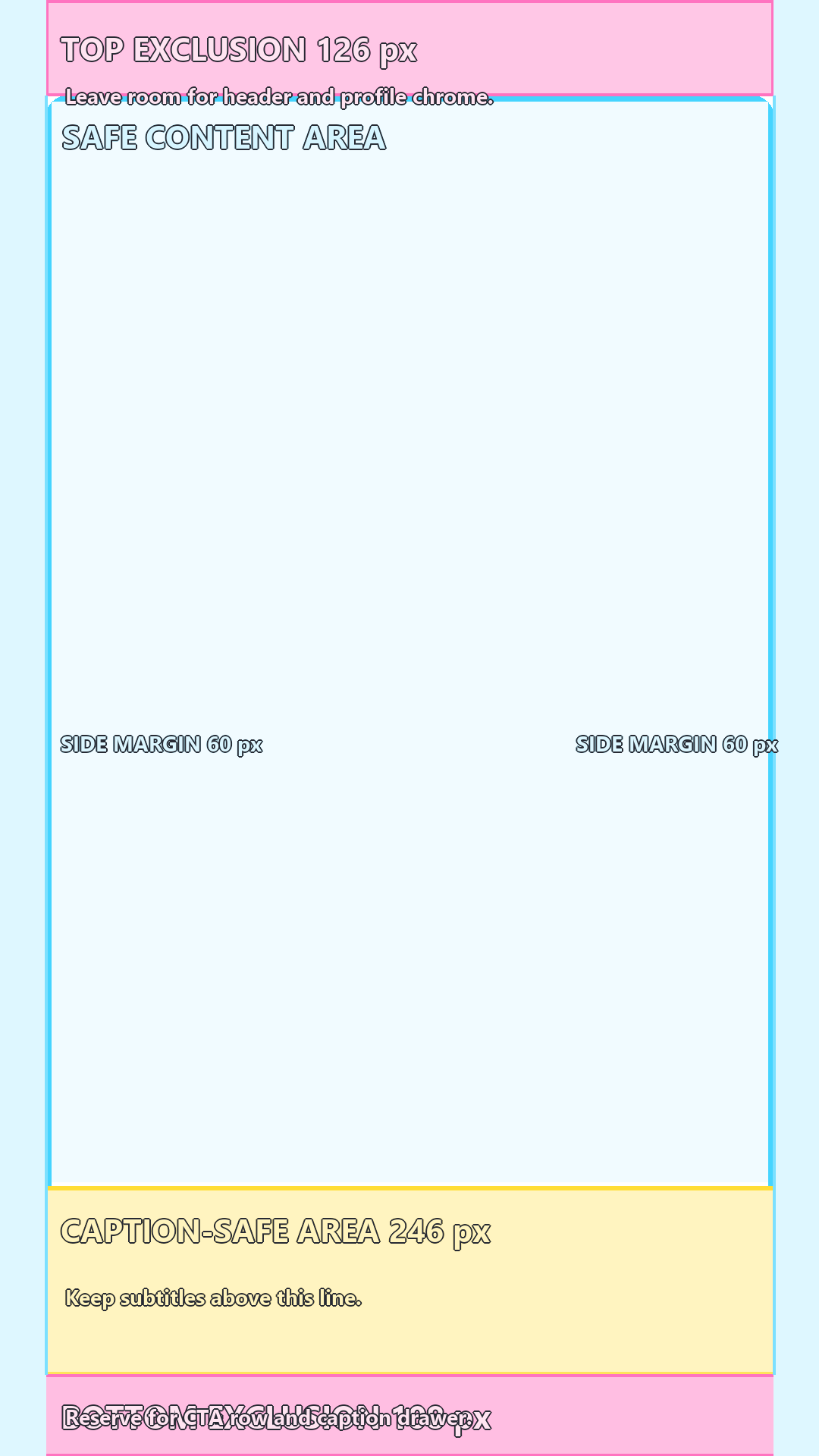
This is the practical fix when you need a TikTok safe zone overlay PNG, not a long explanation about safe areas.
Overlay PNG
Use the transparent guide on top of a real frame when captions, hook text, faces, and CTA copy need to survive the TikTok UI.
Built for a 1080 x 1920 frame and meant to stay out of the final export.
This is the practical fix when you need a TikTok safe zone overlay PNG, not a long explanation about safe areas.
Use the same file in the editor your team already uses.
| Use case | Recommended move |
|---|---|
| CapCut overlay PNG | Import the file as an overlay, stretch it to the full frame, and lock the layer while you position subtitles. |
| Premiere Pro safe zone overlay | Keep it on the top video track and toggle the eye icon during review. |
| Canva TikTok overlay | Use it on a 1080 x 1920 design when you need a simple review draft. |
| Figma review frame | Place the PNG on top of a still frame before handing off a template to another editor. |